
An app by Appnify


Blockeaver
A quieter web in Safari on iPhone, iPad and Mac.
- Mac
- iPad
- iPhone
Explore Blockeaver
iPhone
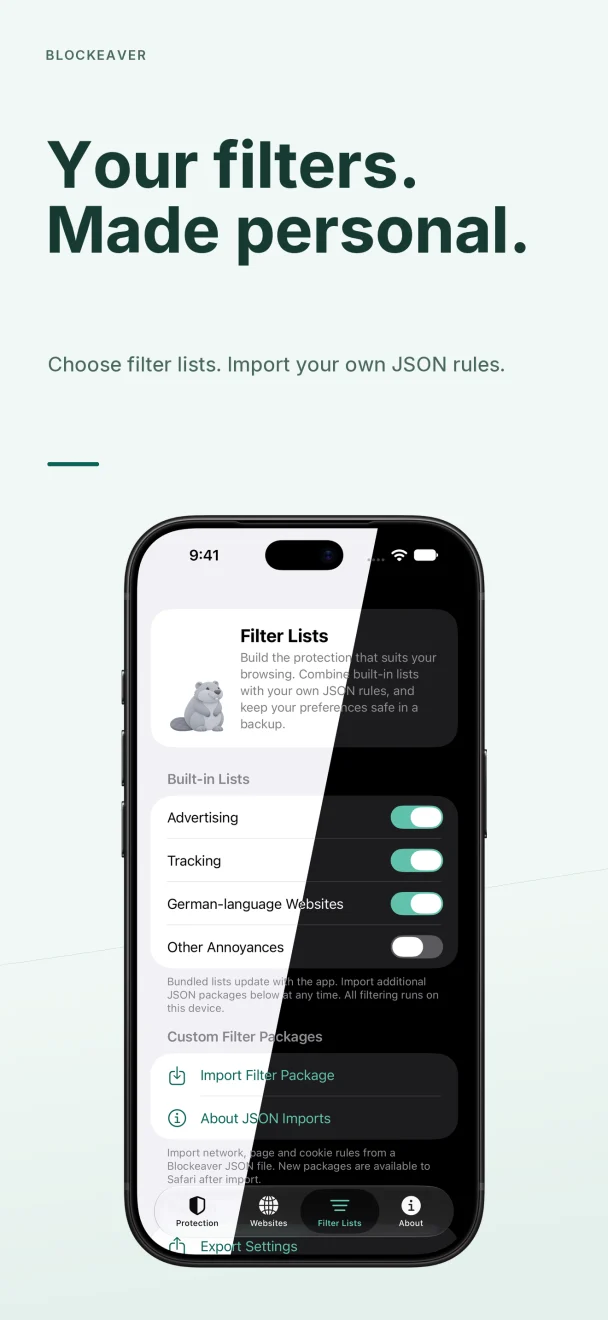
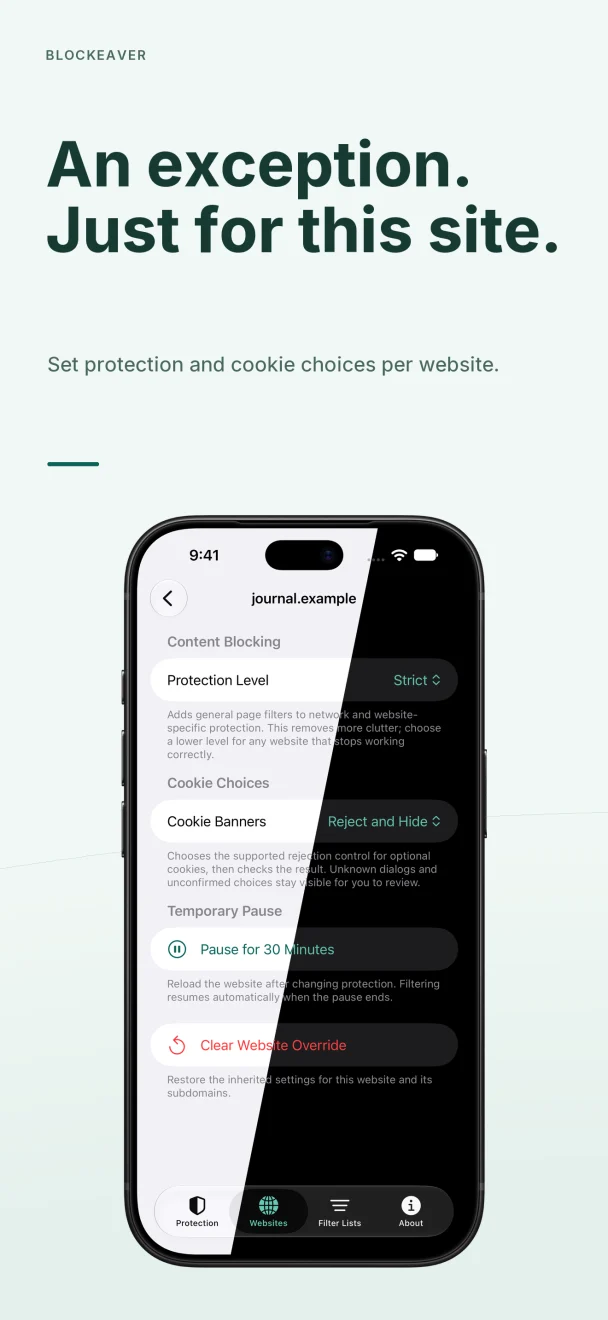
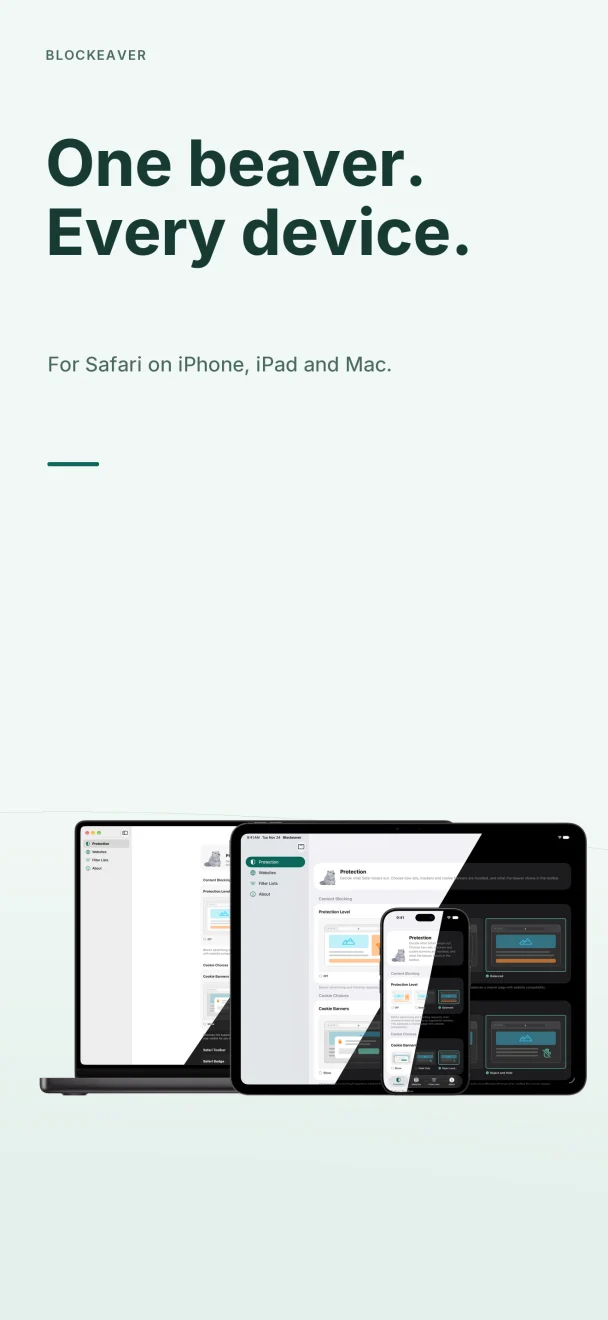
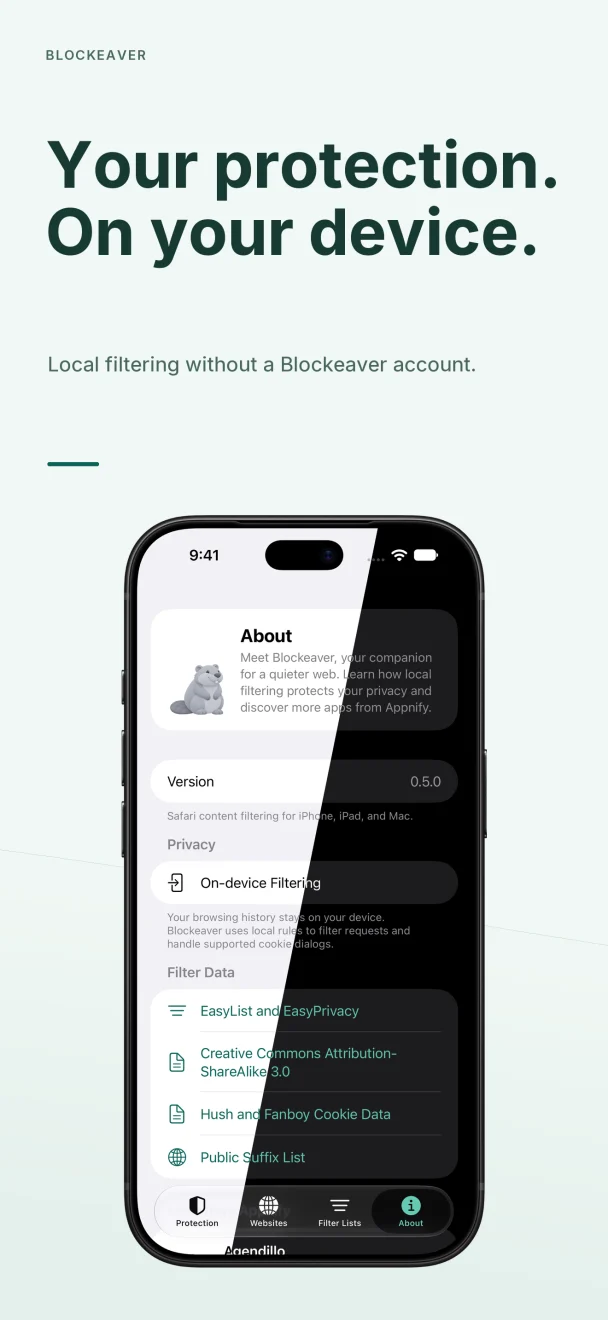
Browse sideways. Select an image to take a closer look.
Explore Blockeaver
iPad
Browse sideways. Select an image to take a closer look.
Explore Blockeaver
Mac
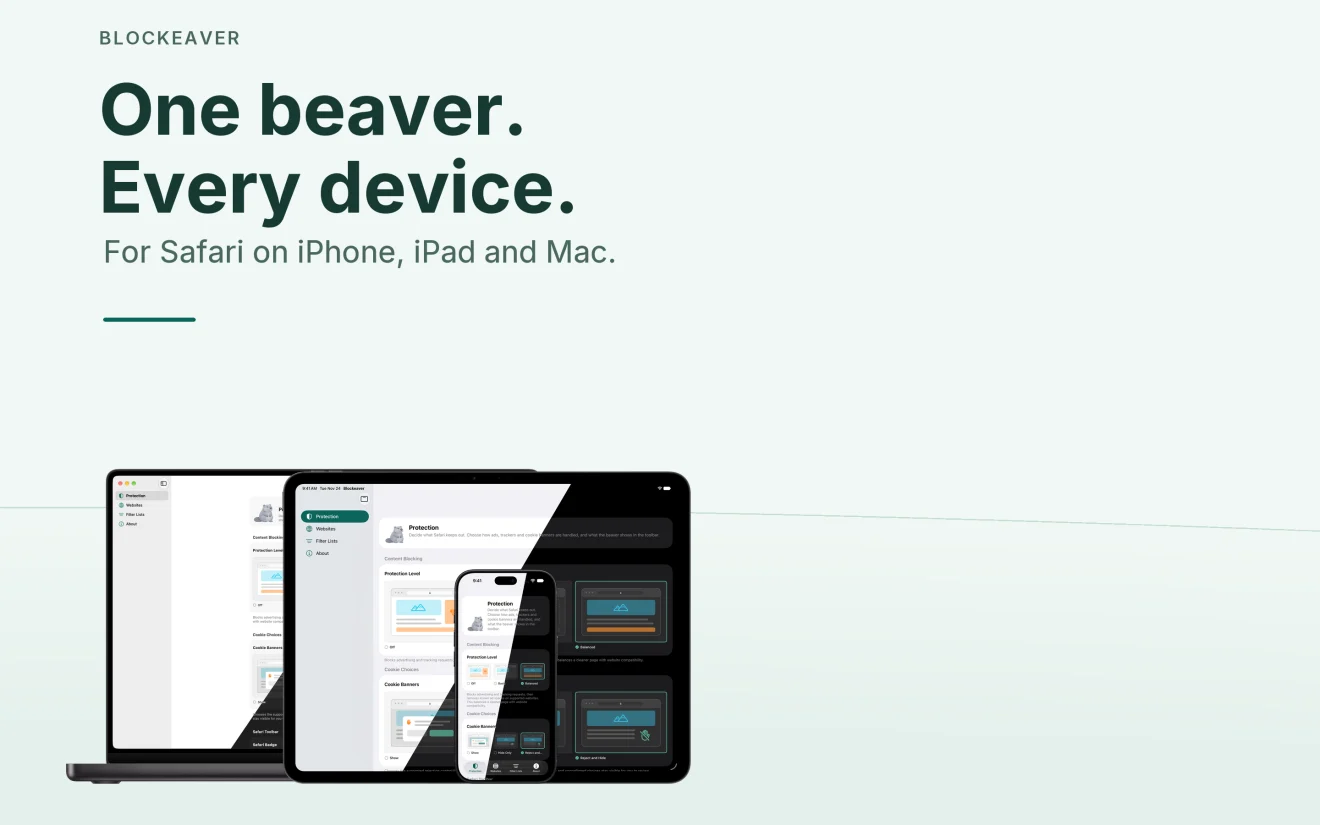
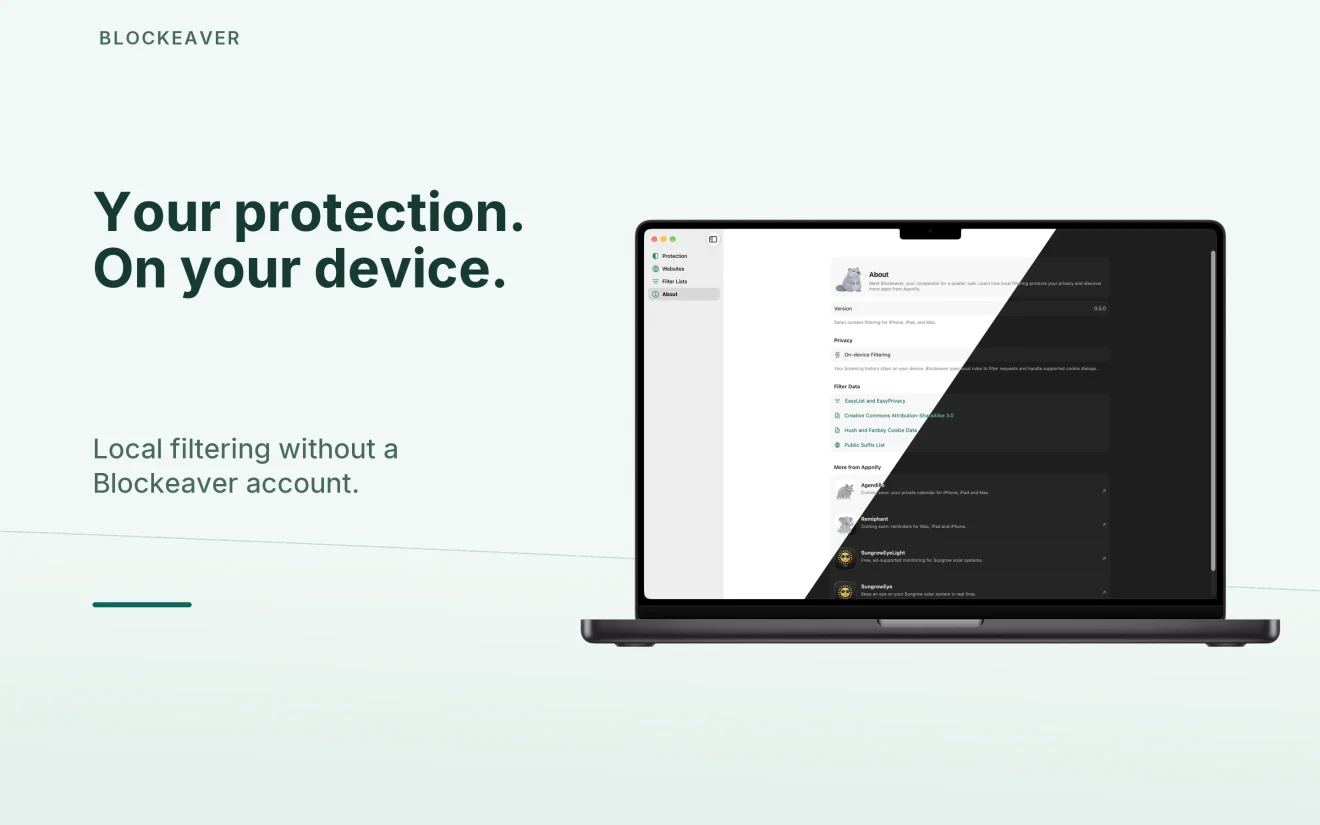
Browse sideways. Select an image to take a closer look.
About this app
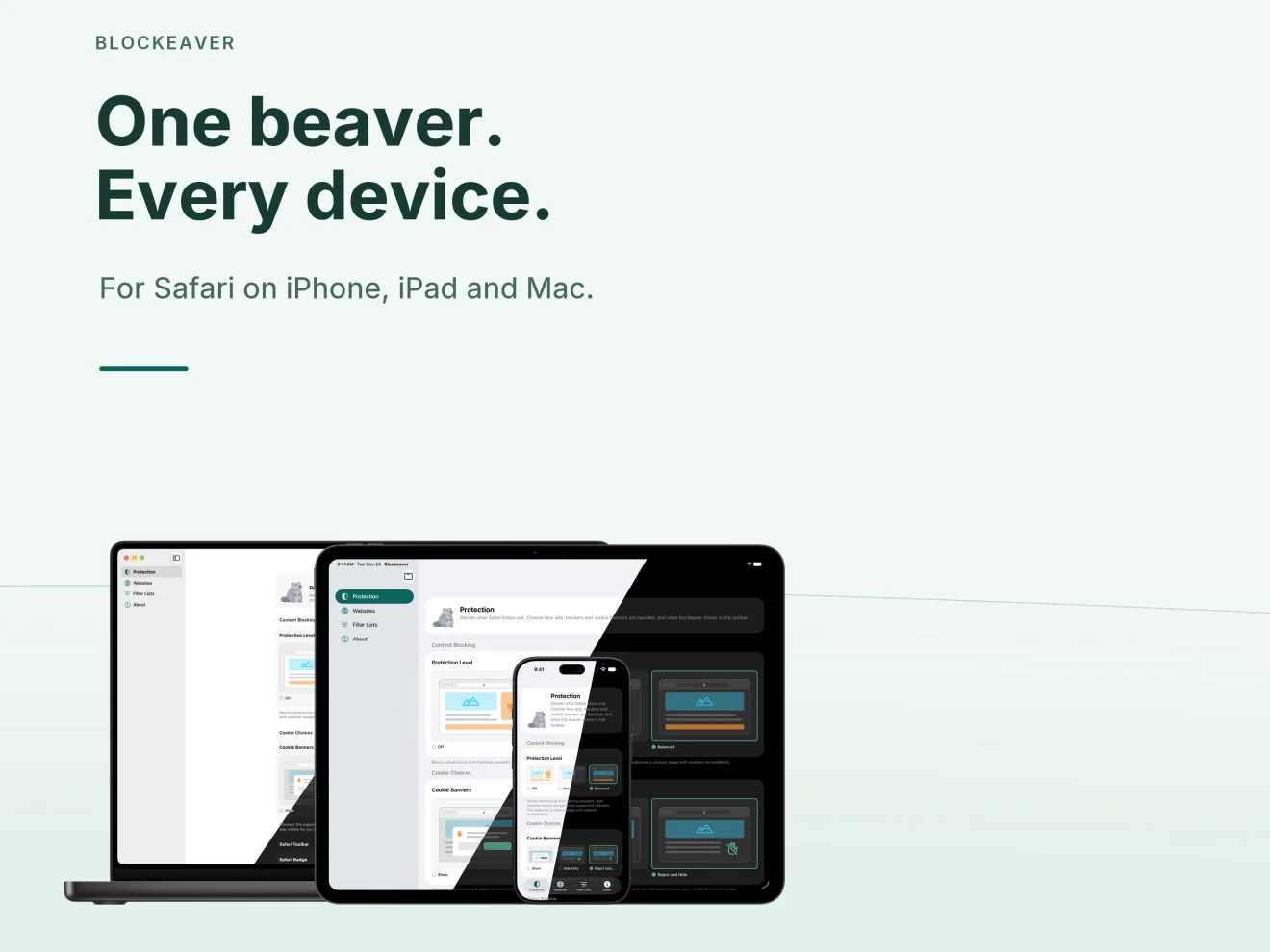
Browse with fewer distractions. Blockeaver is a Safari extension for iPhone, iPad and Mac that filters ads and trackers and handles supported cookie banners.
CHOOSE YOUR PROTECTION
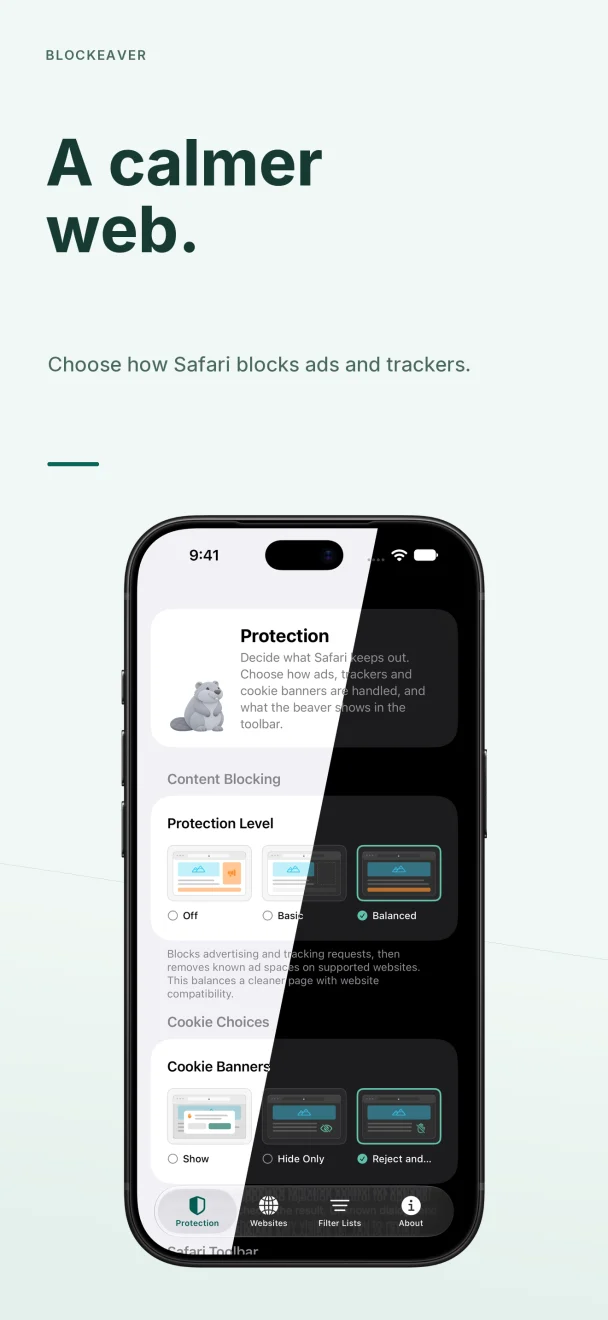
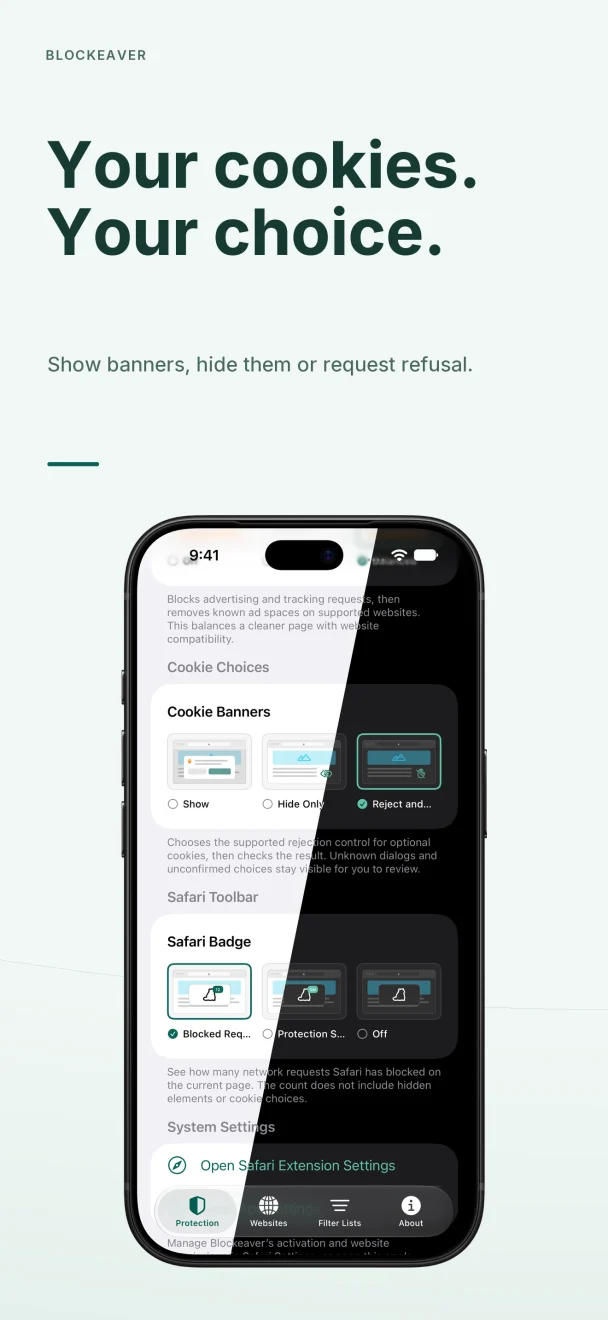
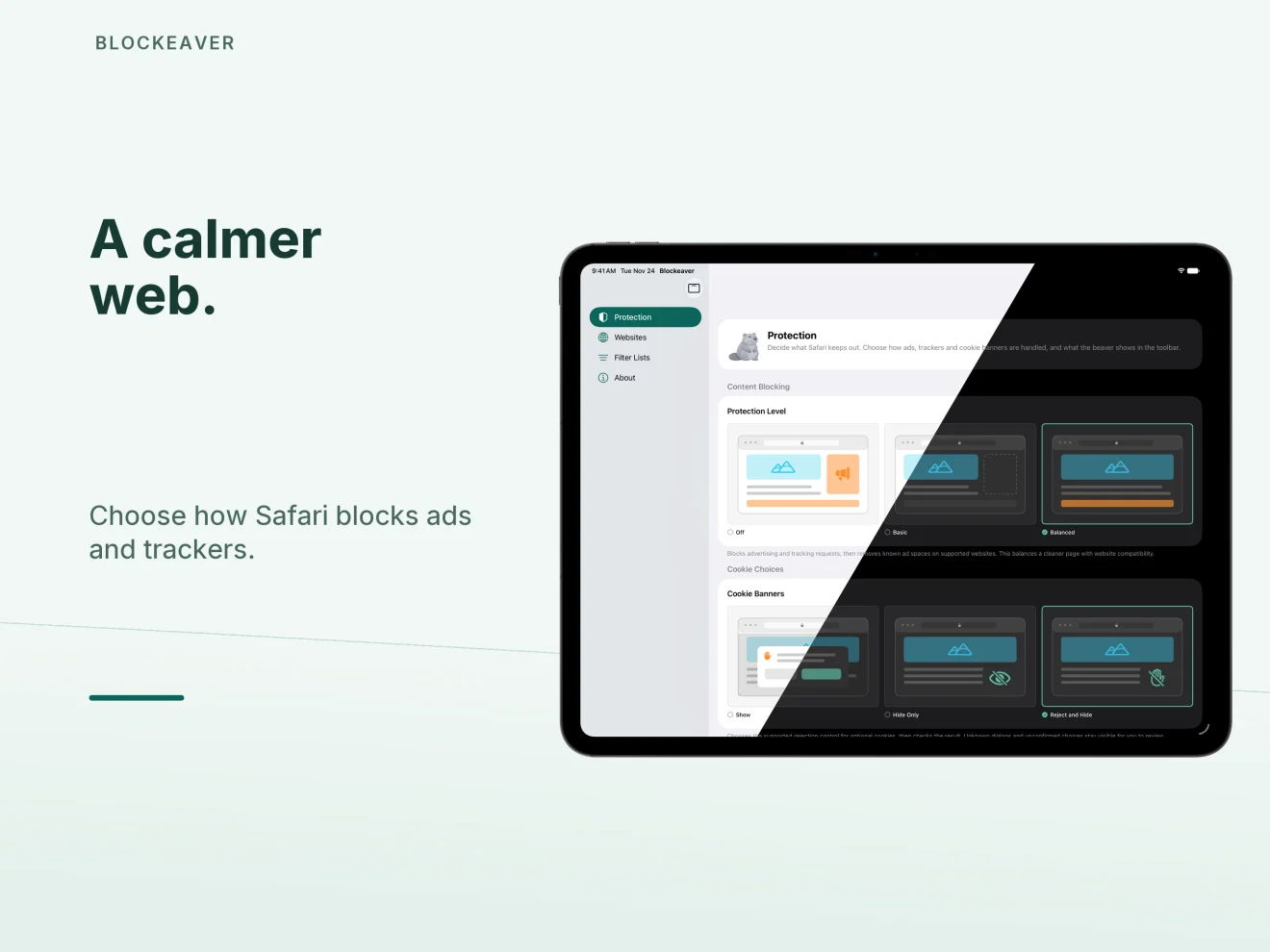
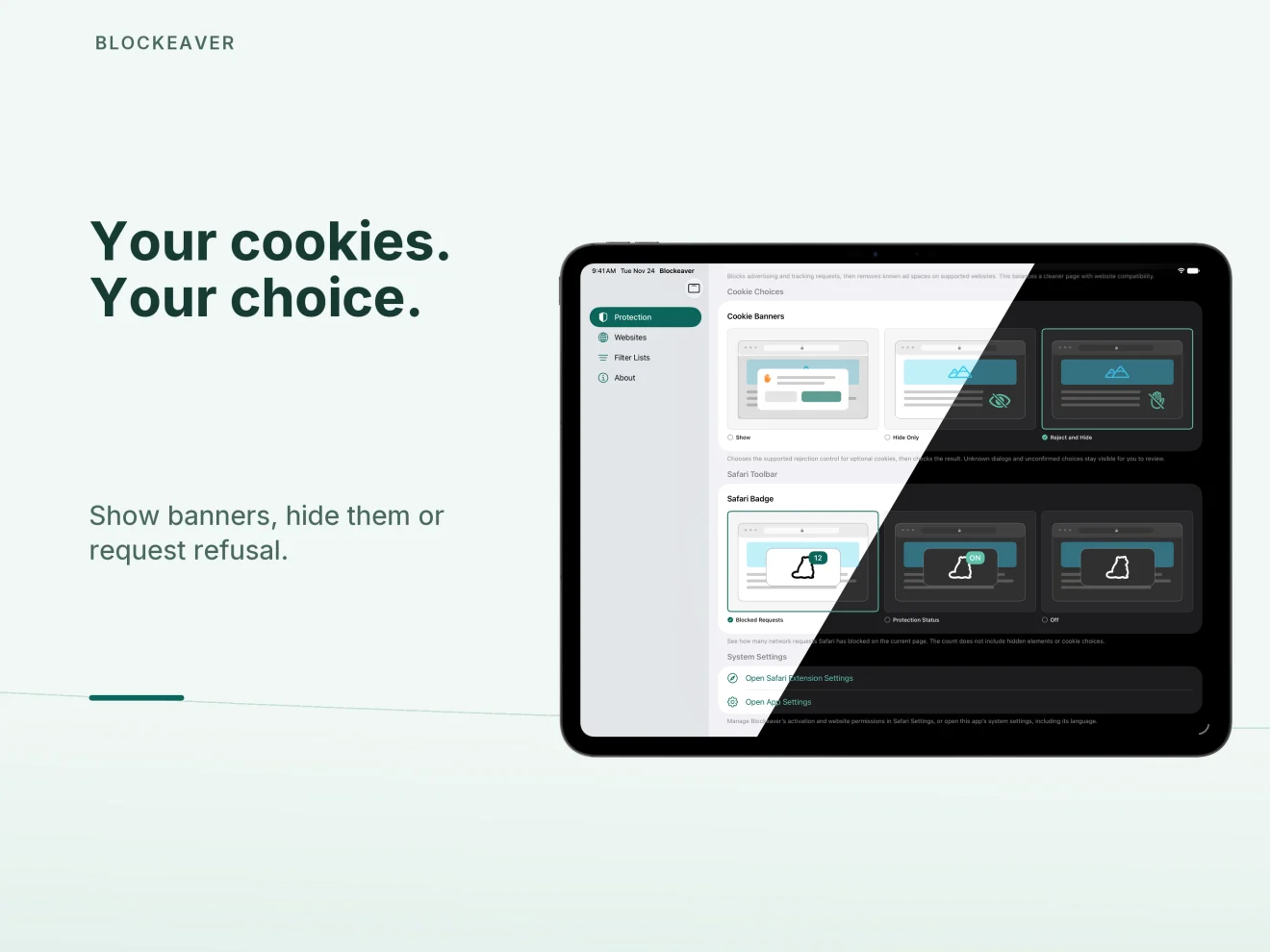
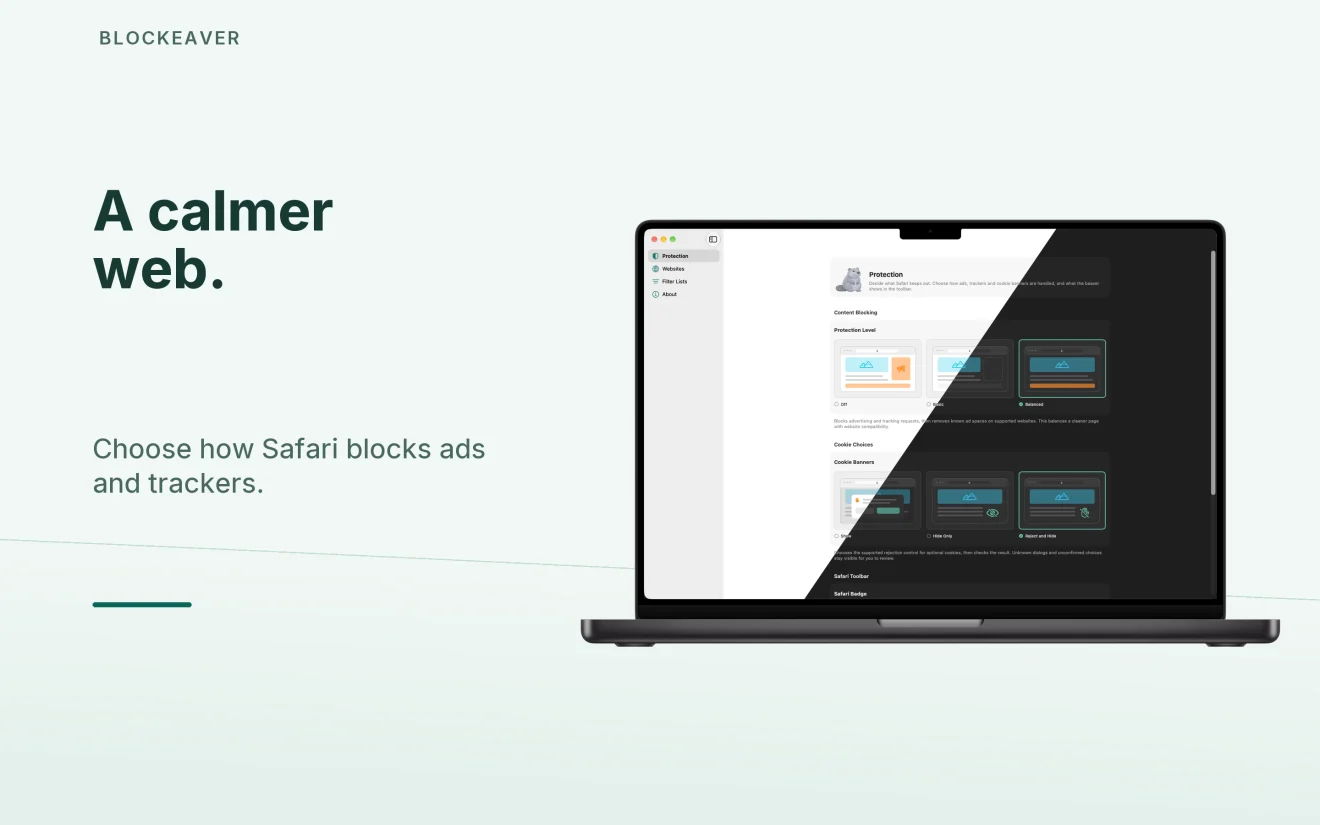
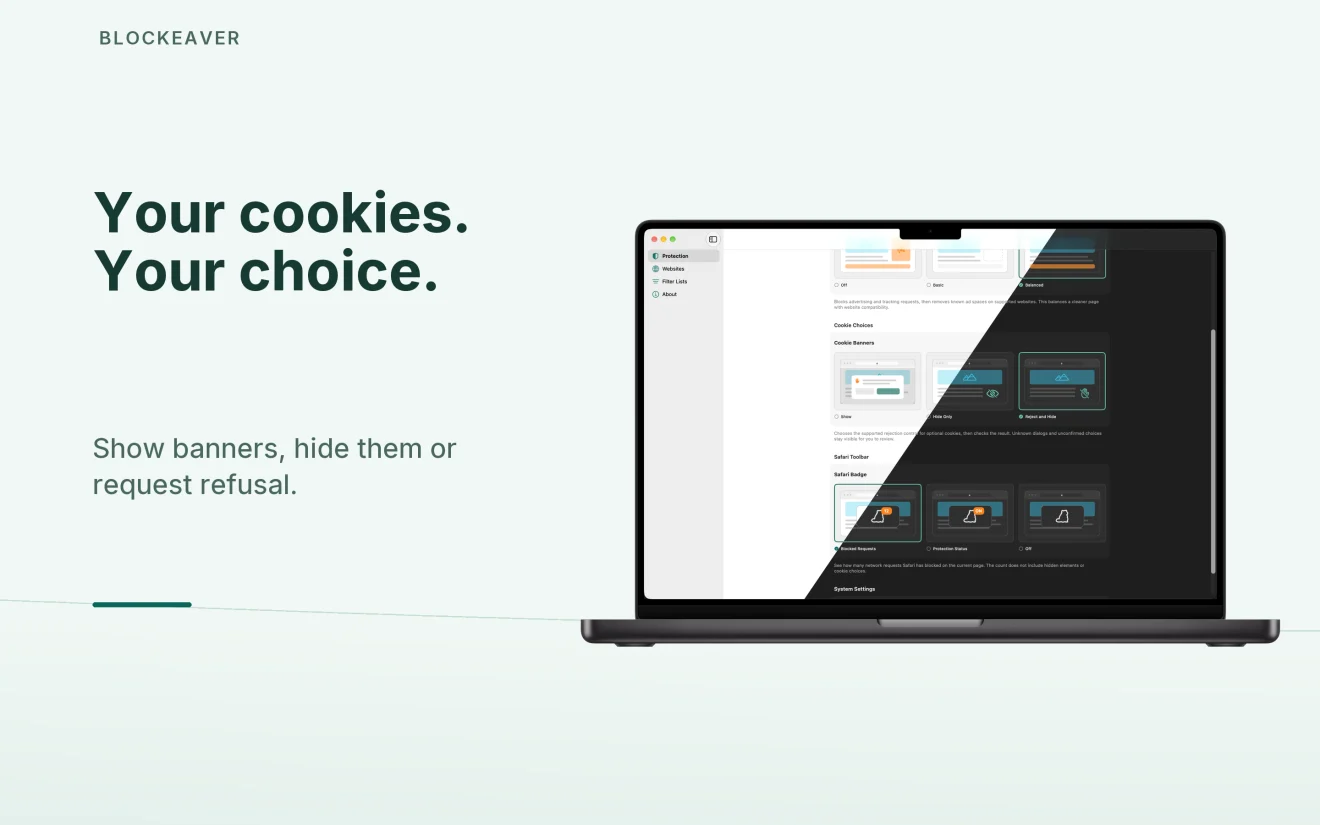
Start with Basic to block matching ad and tracker requests. Balanced also cleans up known page elements. Strict applies broader page filters. The Safari badge can show the number of blocked requests, the protection status or nothing at all.
HANDLE COOKIE BANNERS YOUR WAY
Keep banners visible, hide recognized banners without making a choice, or have Blockeaver reject optional cookies when it finds a supported reject button. If rejection cannot be confirmed, the banner remains available.
MAKE EXCEPTIONS FOR INDIVIDUAL WEBSITES
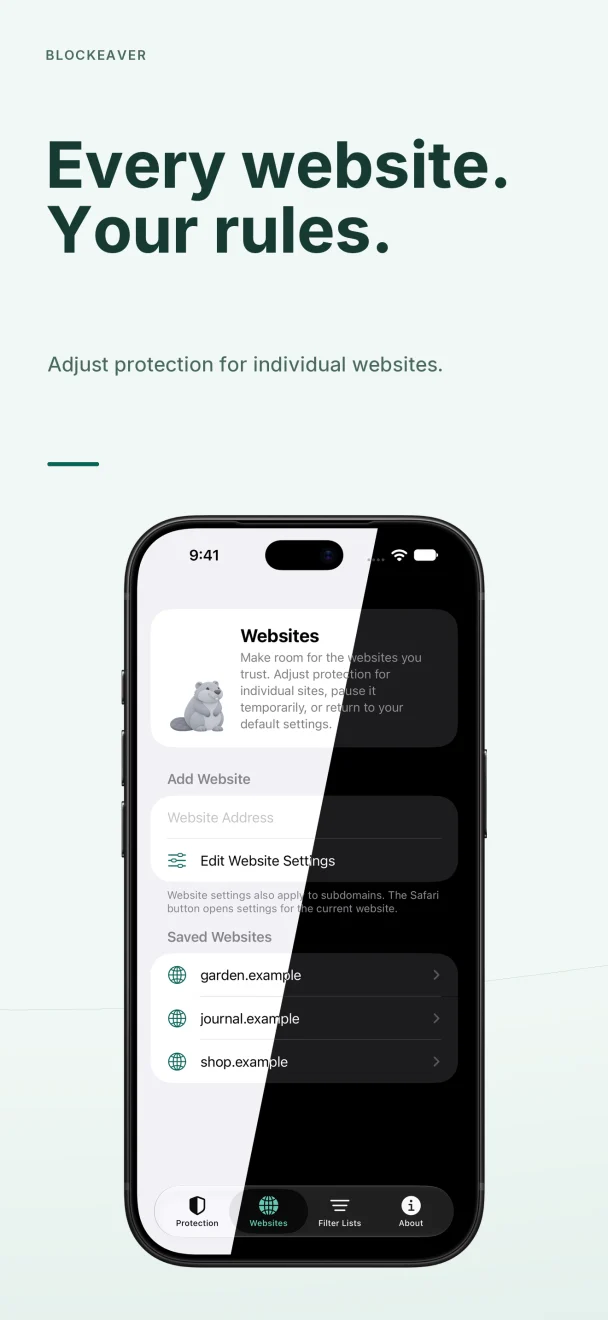
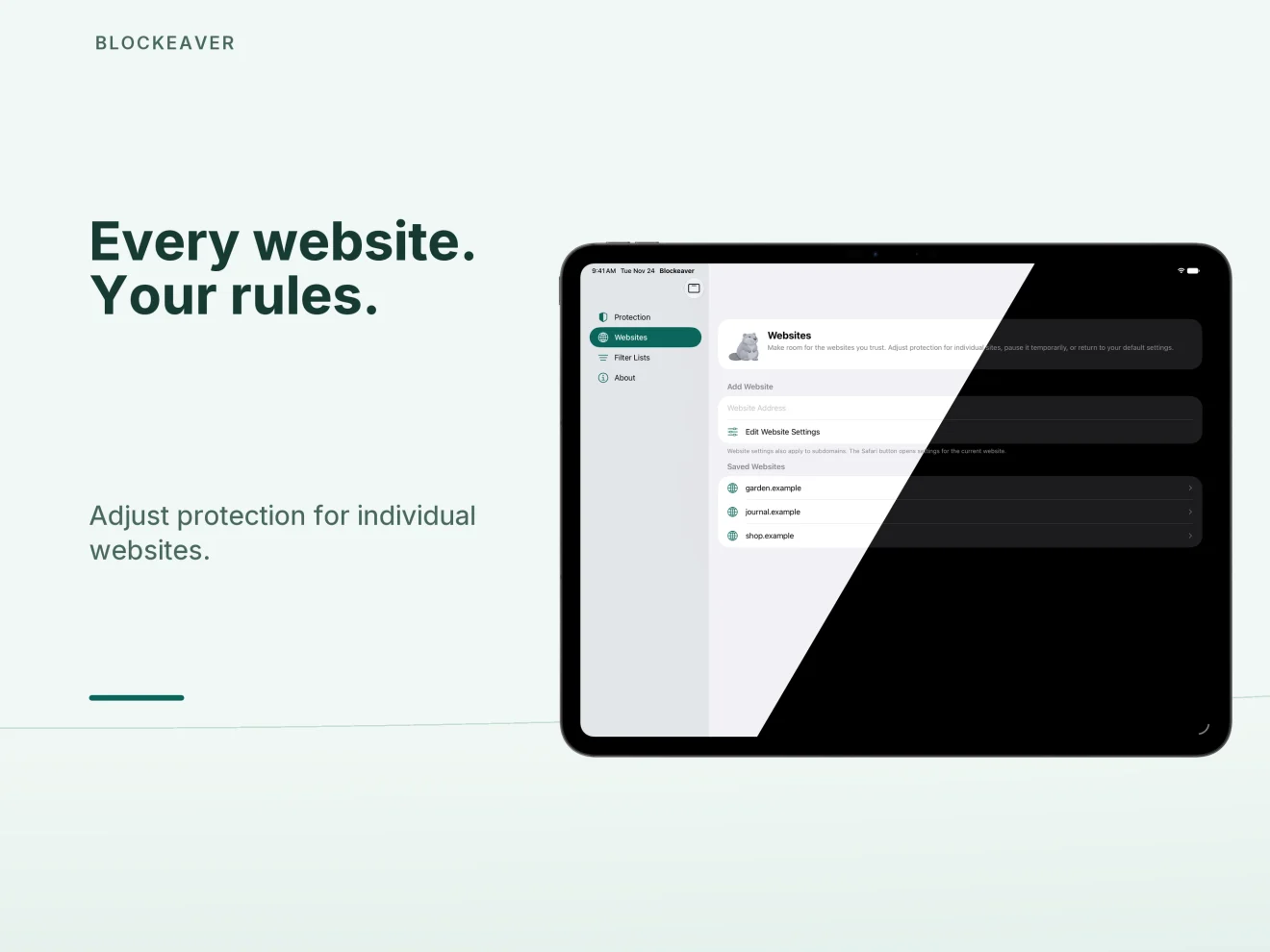
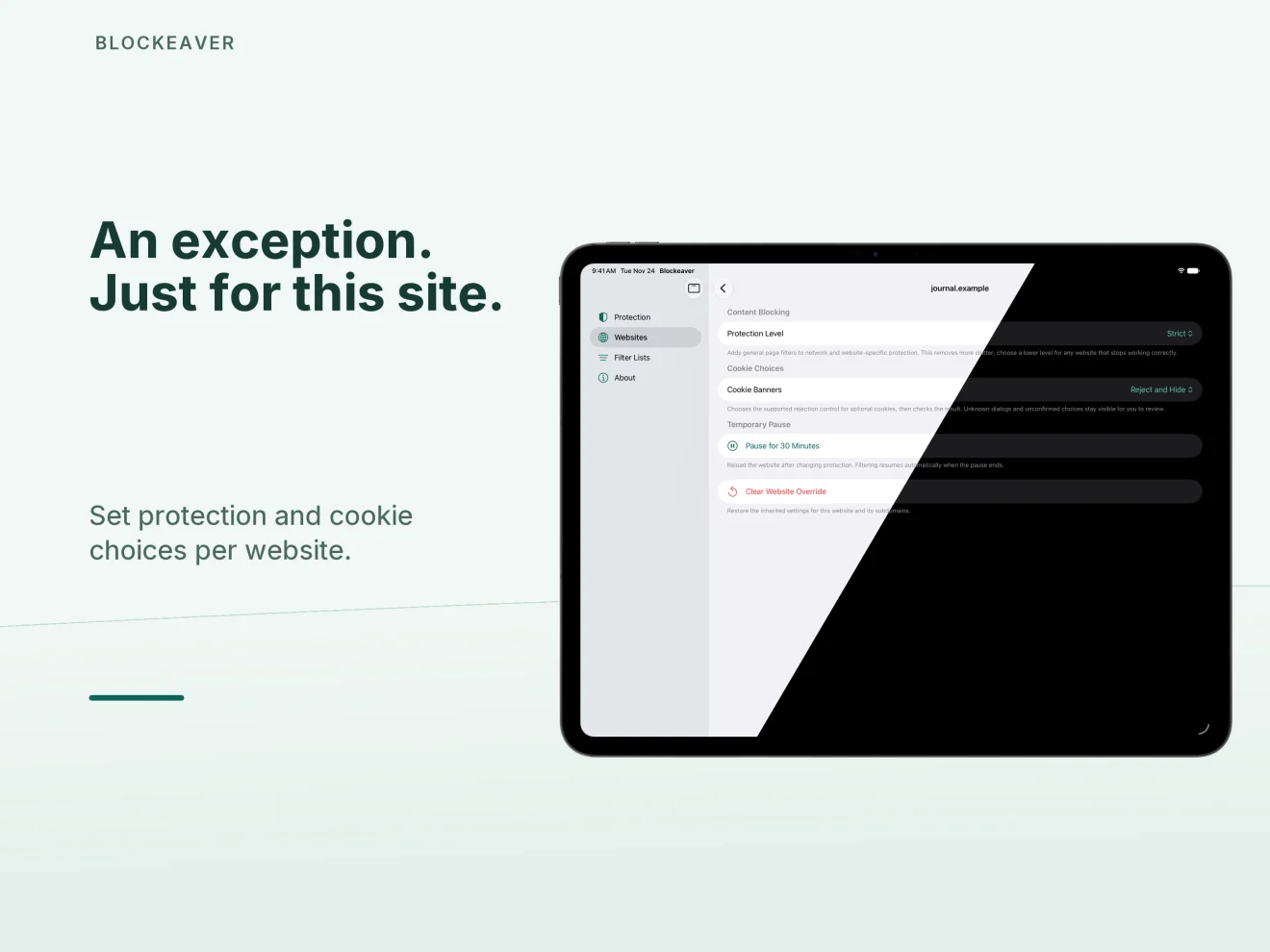
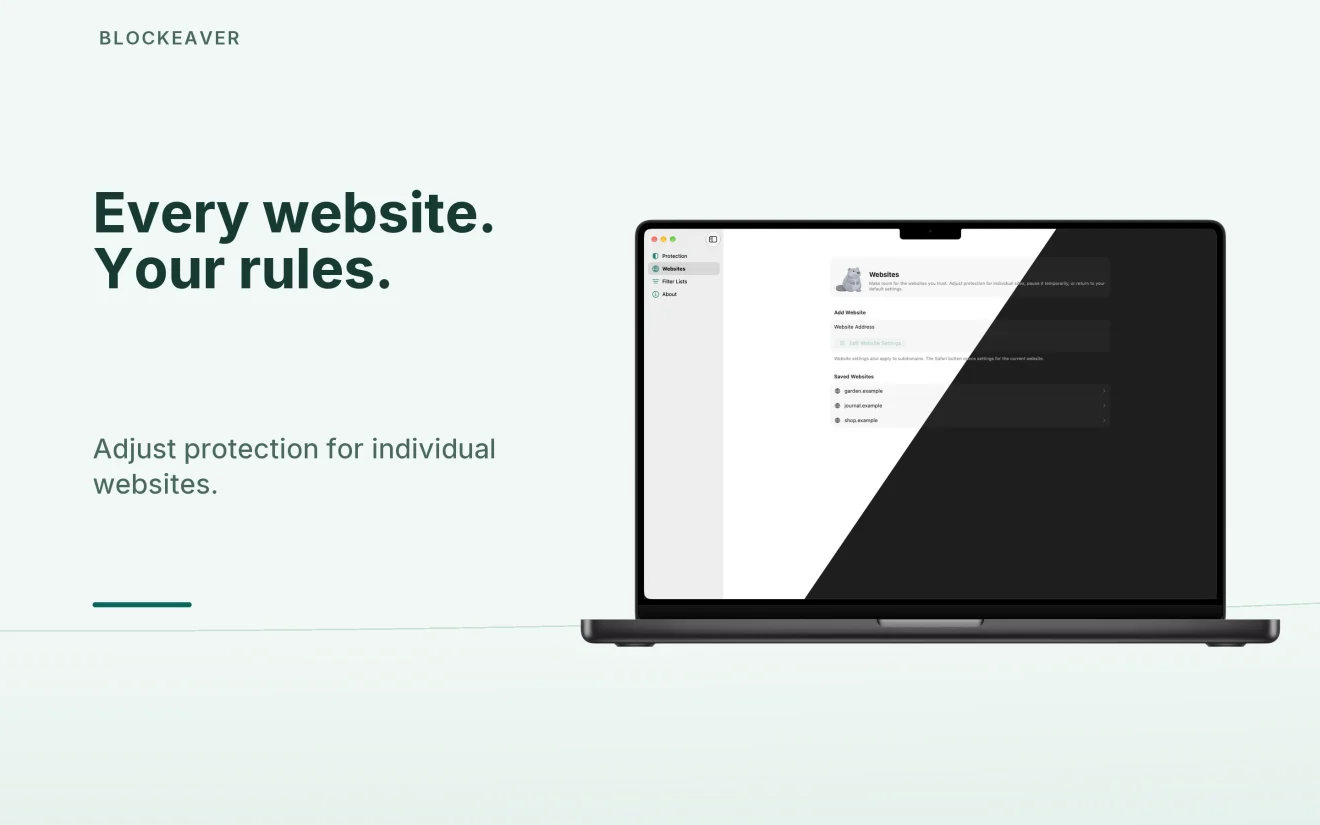
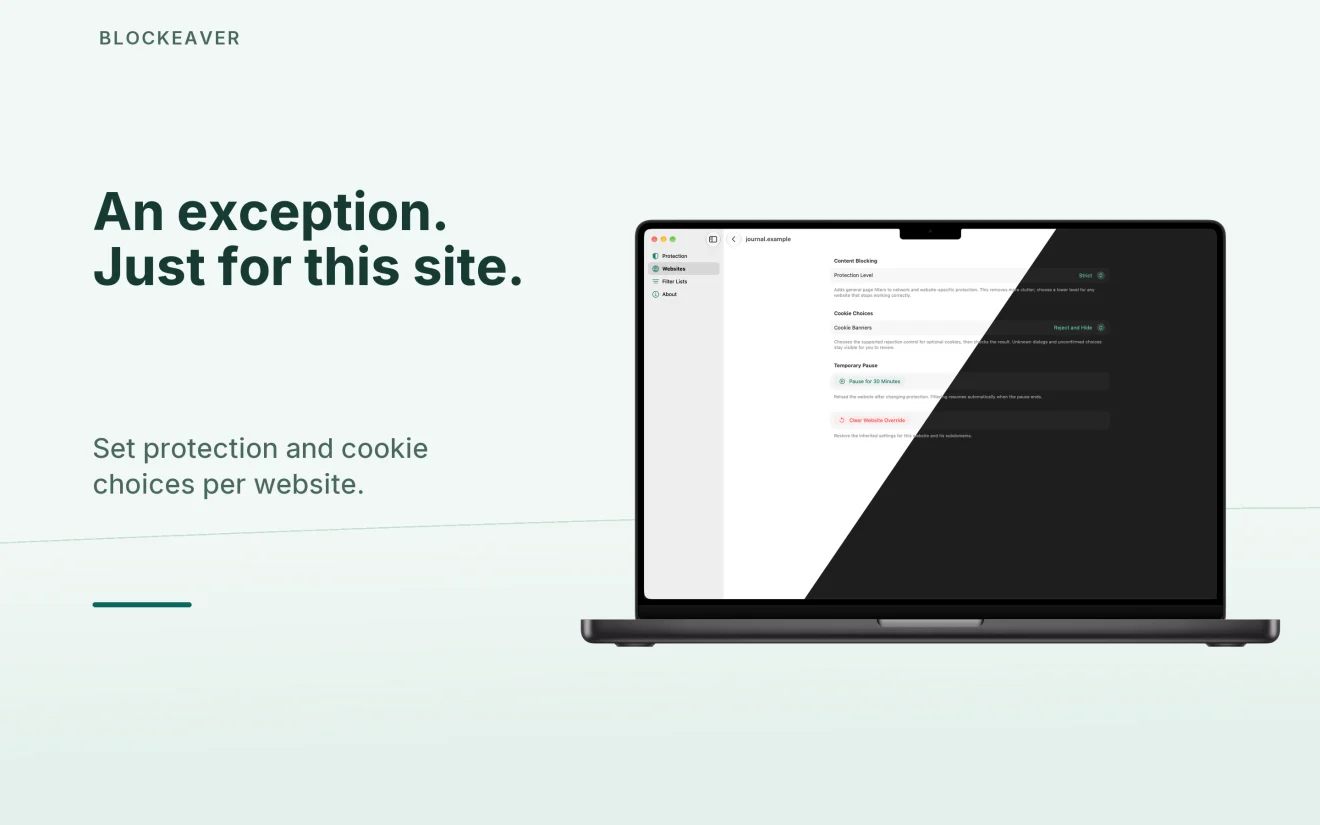
Set separate protection and cookie preferences for a site, or pause protection for 30 minutes. Open the current site's settings from the Blockeaver button in Safari.
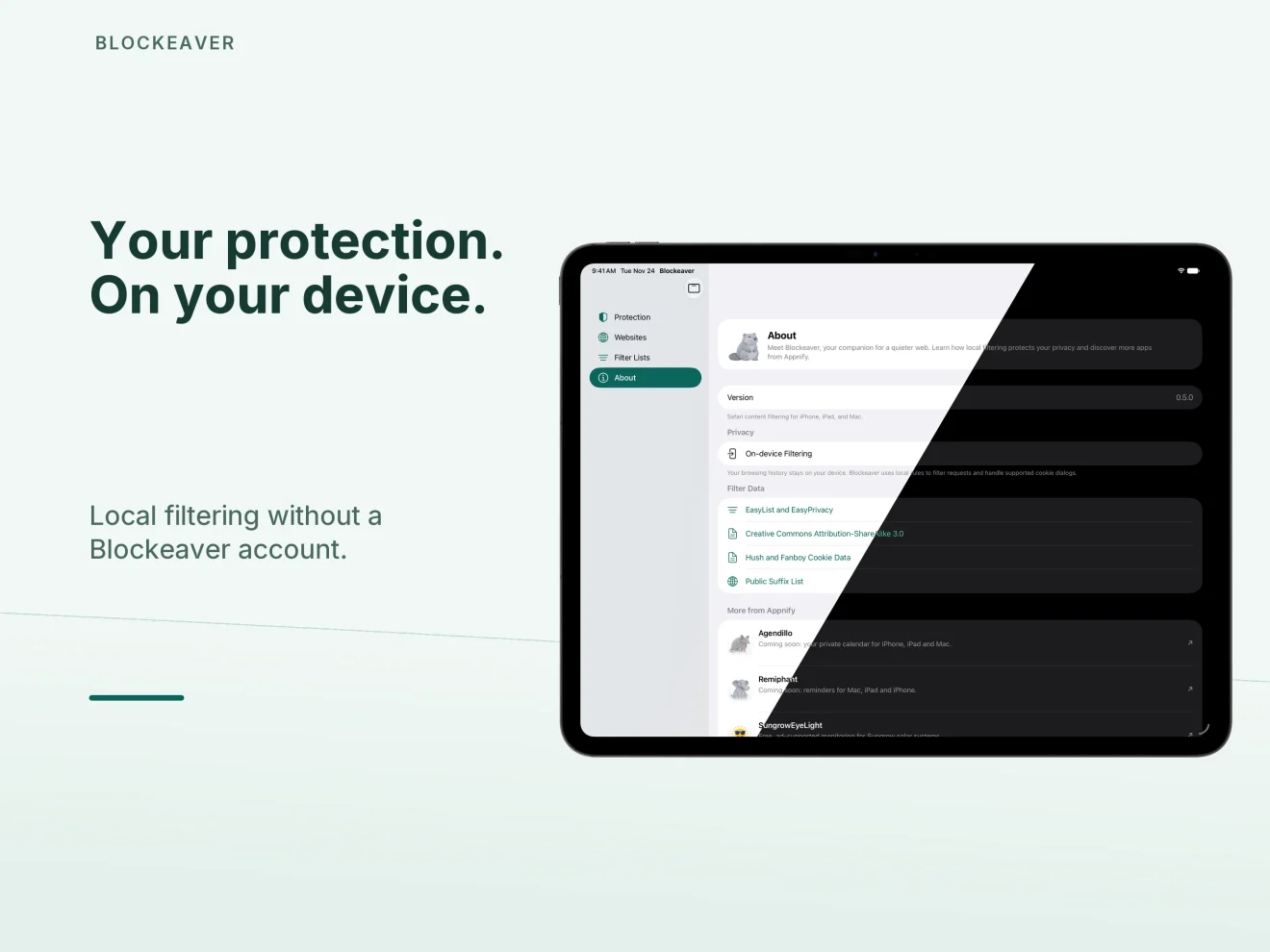
KEEP FILTERING ON YOUR DEVICE
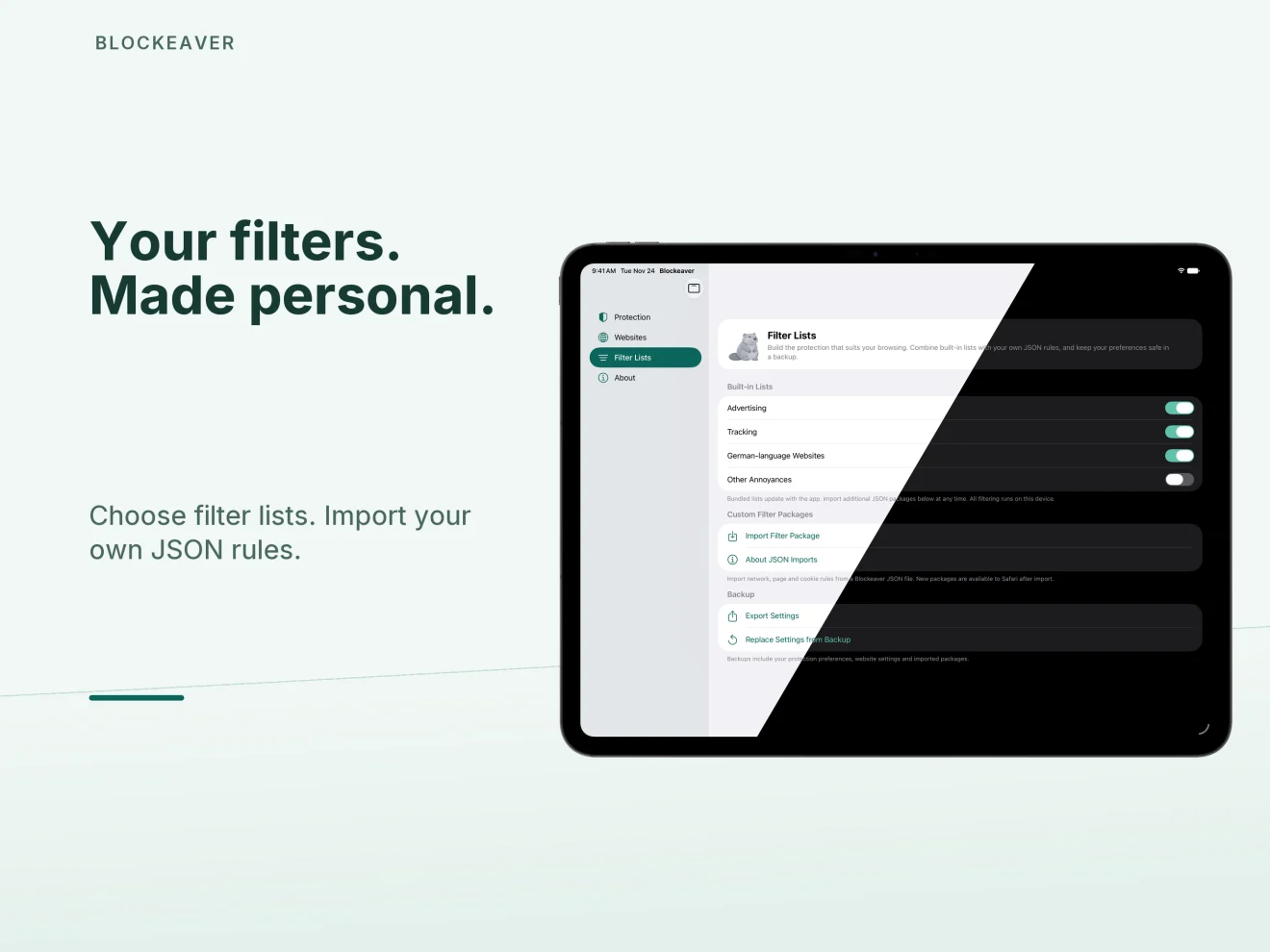
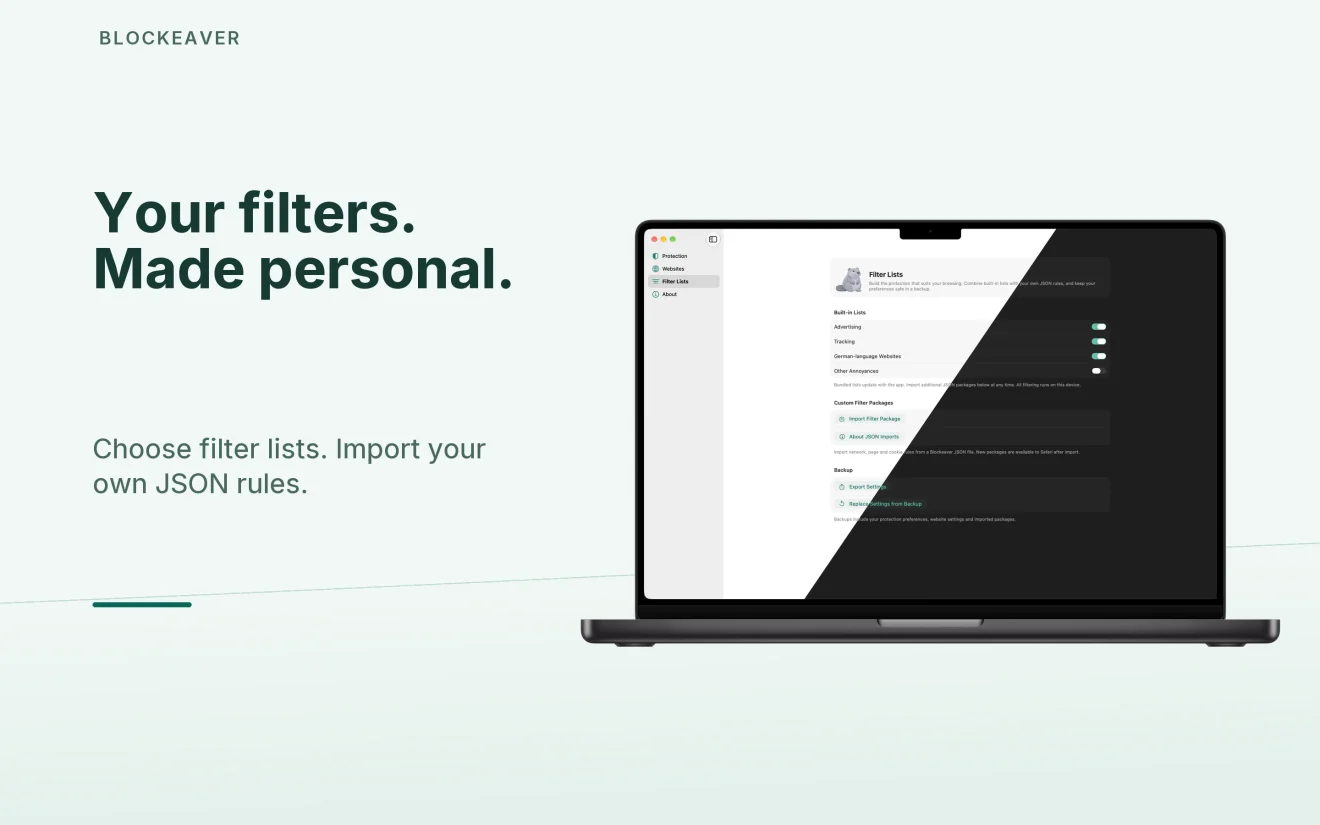
Filtering uses built-in rules and runs on your device. You can import additional Blockeaver JSON rule packages and export your settings. Safari controls which sites the extension can access.
Blockeaver is free, with no in-app purchases. It requires iOS 27, iPadOS 27 or macOS 27 or later.
App information
- Age rating
- Not released yet
- Category
- Utilities
- Supported platforms
- Mac, iPad, iPhone
- Contains advertising
- Yes
- In-app purchases
- No
- Version
- 0.5.0
- Developer
- Appnify GbR
- App languages
- English, German
- iOS
- 27.0 or later
- iPadOS
- 27.0 or later
- macOS
- 27.0 or later
- App Store price (US)
- Free
Questions and answers
How do I enable Blockeaver?
Open Blockeaver and follow the prompt to open Safari’s extension settings. Enable Blockeaver in Safari, then allow it on the websites where you want to use page filters and cookie-banner handling.
What is the difference between hiding and rejecting cookie banners?
Hide Only removes a recognized banner without submitting a choice. Reject and Hide uses the website’s reject button when Blockeaver can identify it. If the app cannot confirm the rejection, the banner remains available.
What if a website stops working as expected?
Open the website’s settings with the Blockeaver button in Safari. Choose a less restrictive protection level or pause protection for 30 minutes, then reload the website.